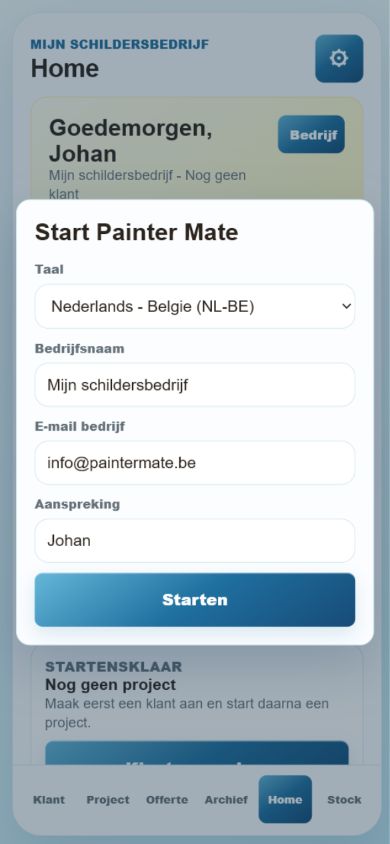
Start in the right language
Set language, company name, email and personal greeting before the app opens.
Mobile screenshot preview
Explore real mobile screenshots from Painter Mate, Smart Meal & Pantry and VAMIT Level.
Introduction, guided quote flow, stock and print/mail preview.
Home, pantry, recipes and meal maker.
X, Y and Z axes, signed degrees, bubbles, hold and zero controls.
Painter Mate
Create a customer, start a painting project, build a quote, track paint and material use, then print or mail the result.
Set language, company name, email and personal greeting before the app opens.
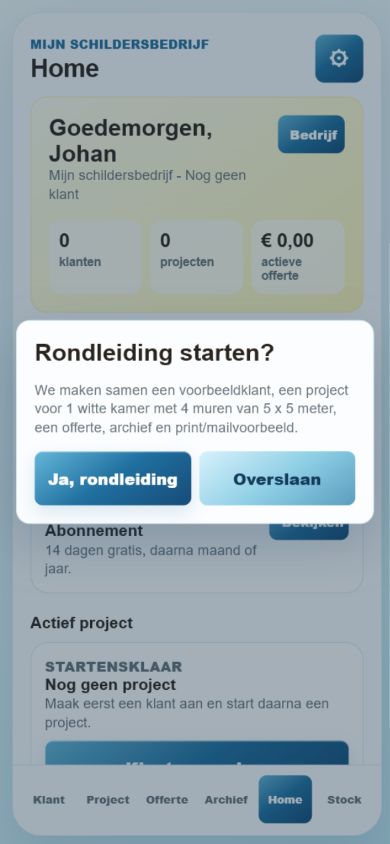
New users can follow a short tour that builds a sample quote step by step.
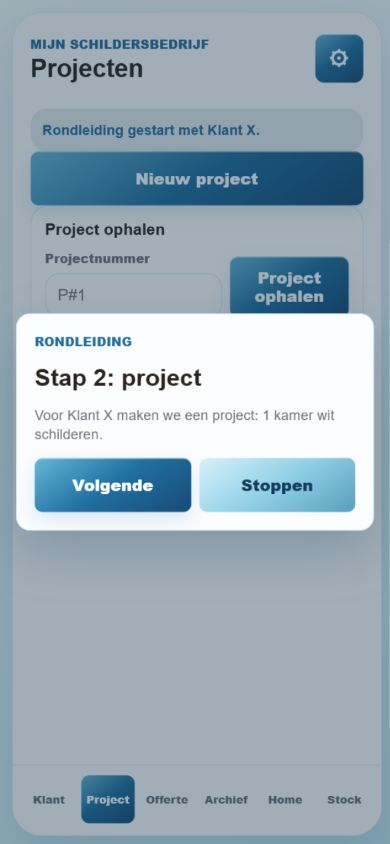
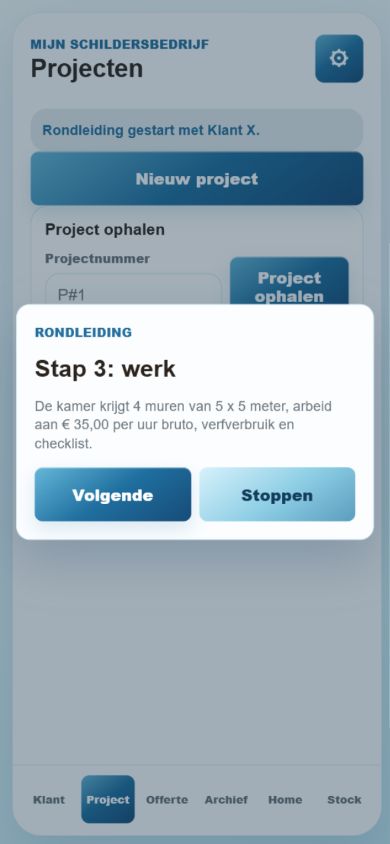
Add rooms, surfaces, fixed-price work, paint, materials, checklist items and photos.
Convert project details into a numbered quote with material and paint calculations.
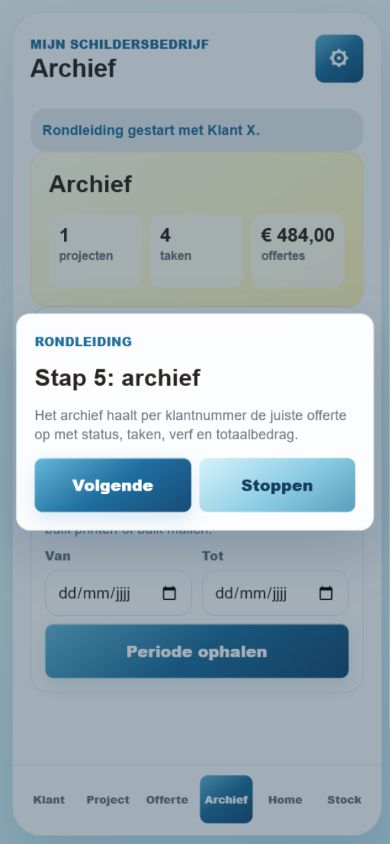
Show the customer-ready document before printing, mailing or saving to cloud/map.
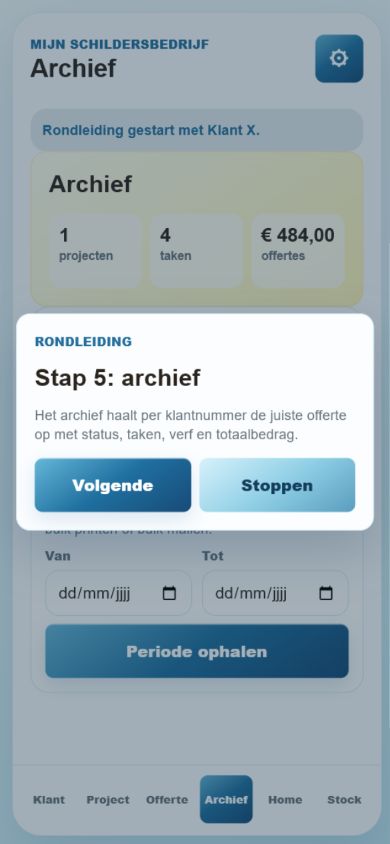
Track RAL paint stock, liters, pots, gallons and reusable material catalog items.
Smart Meal & Pantry
Manage pantry items, plan recipes, build shopping lists and get meal ideas from what is already at home.
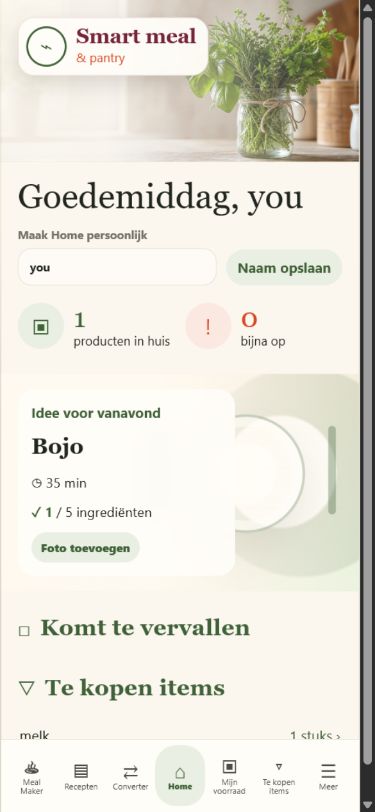
See stock status, expiring items, shopping reminders and meal suggestions.
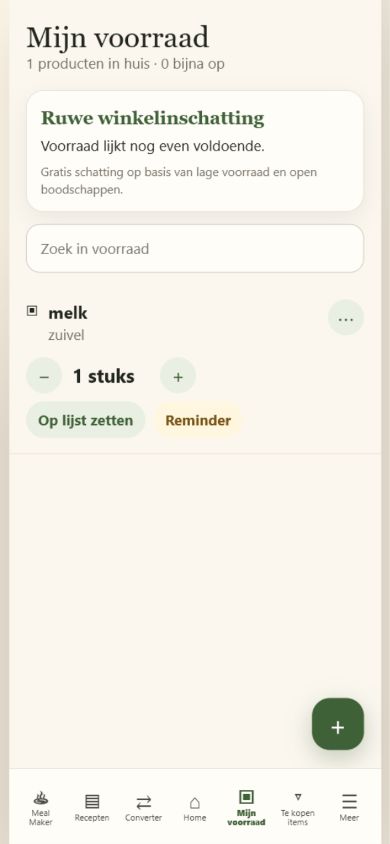
Keep products, quantities and units organized in a mobile-first pantry view.
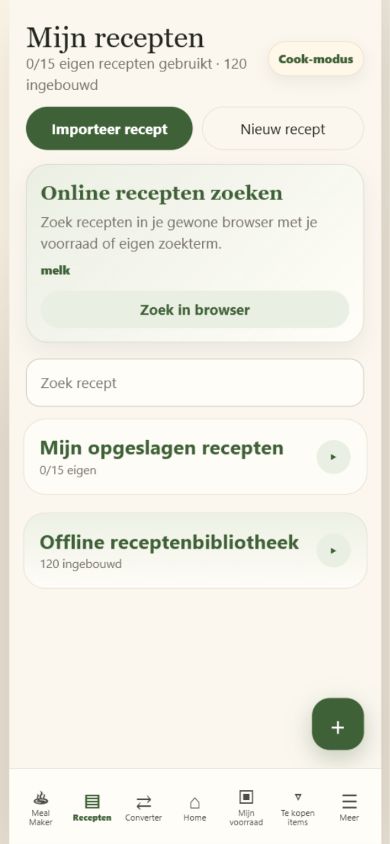
Save recipes and connect them to available ingredients and shopping needs.
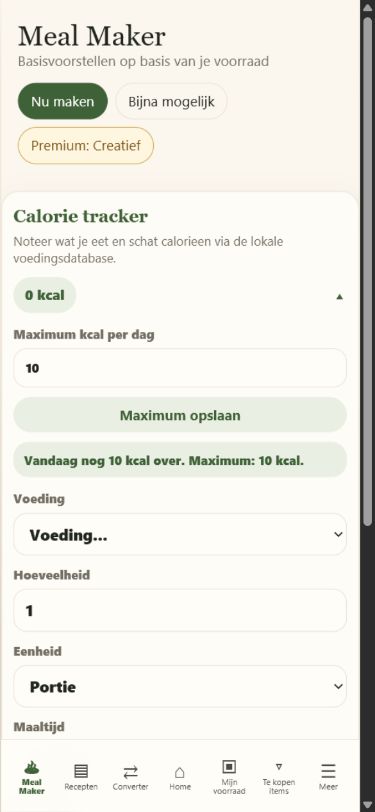
Generate meal ideas from pantry products and see what is missing.
Preview only: final Play Console screenshots can be exported after you approve the order and wording.
VAMIT Level
Use the phone sensors as a practical three-axis spirit level with bubble indicators and signed degree readings.
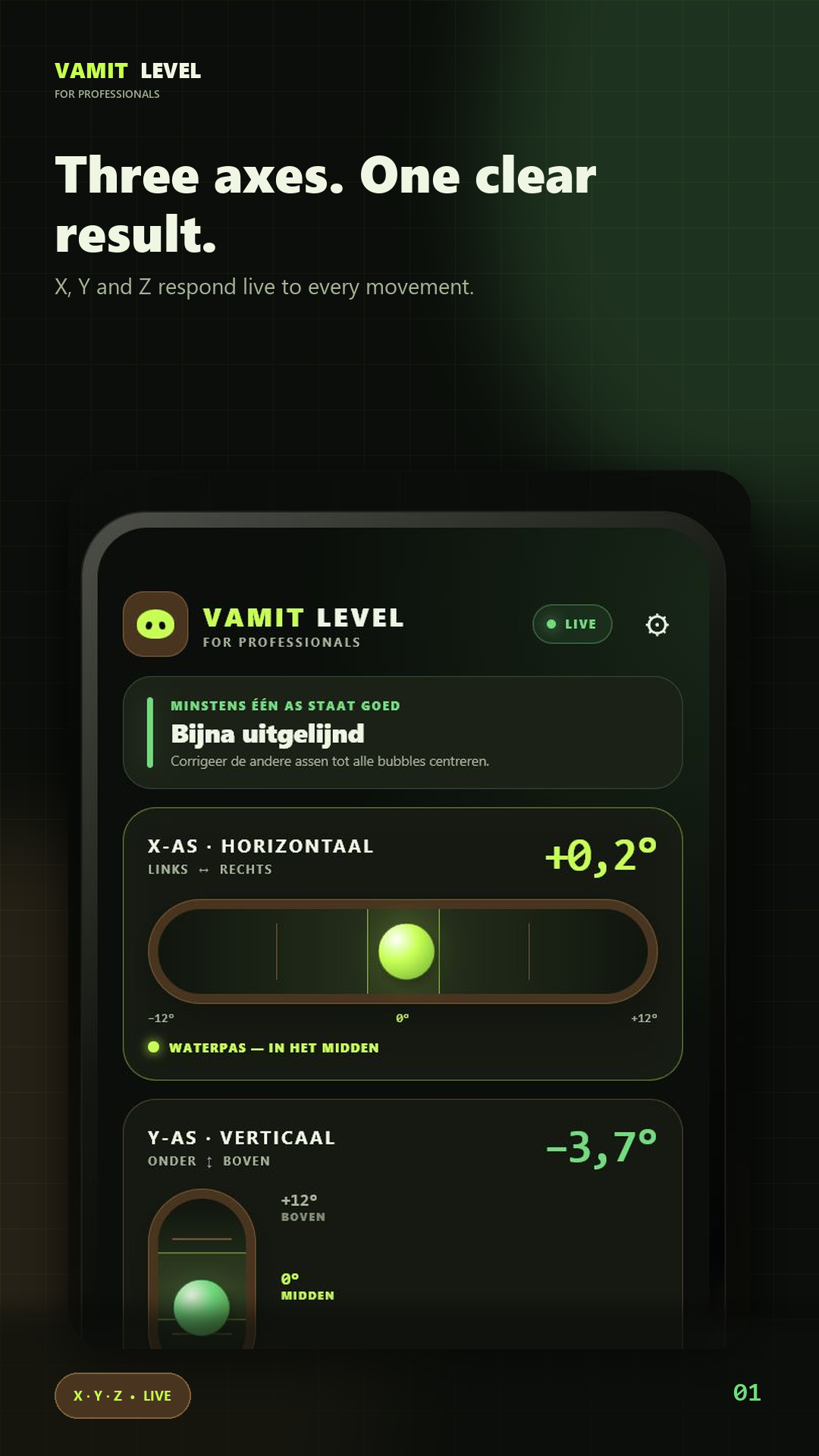
Read the X, Y and Z orientation in one clear professional dashboard.
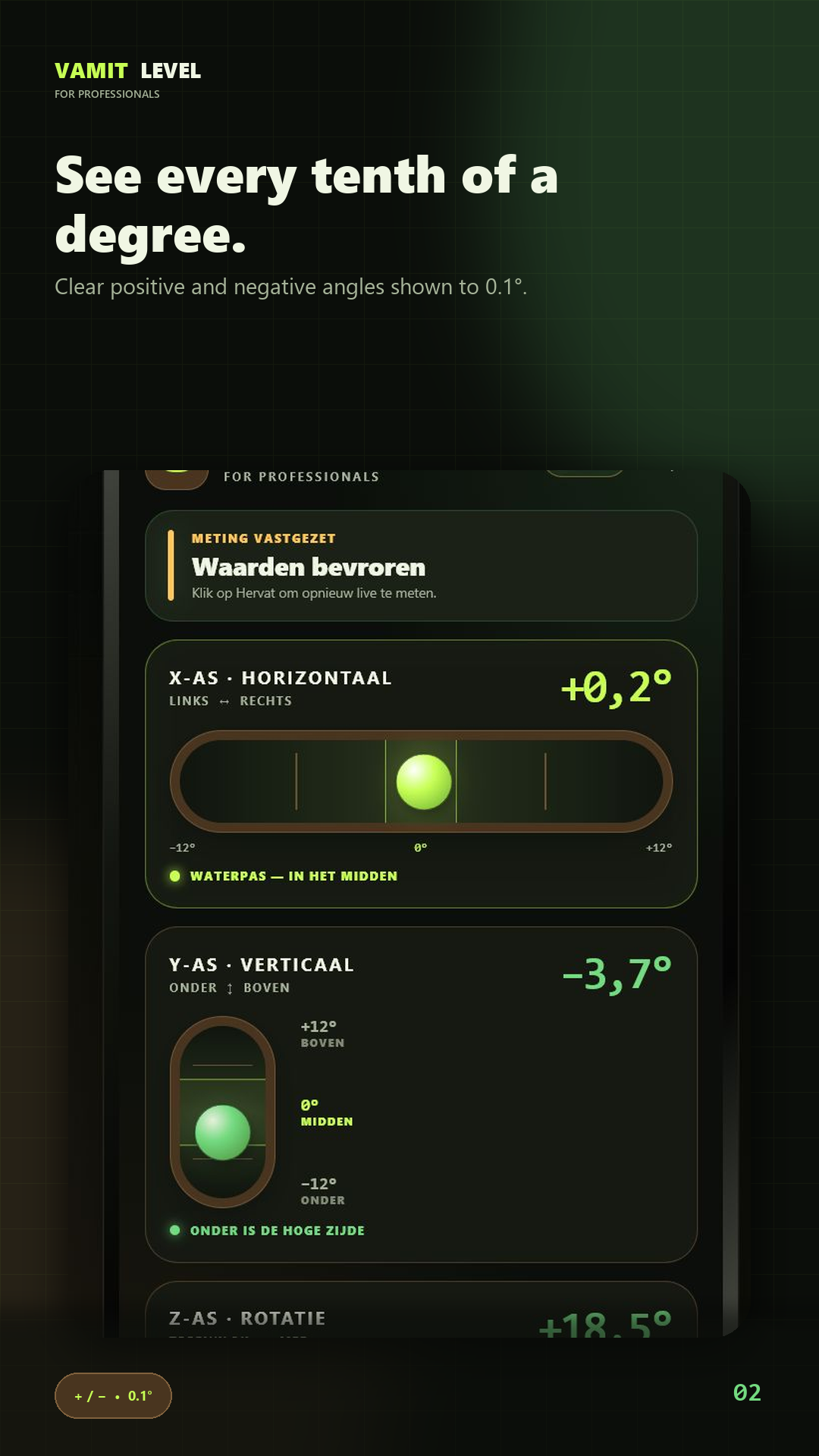
Positive and negative values make the direction of every angle immediately clear.
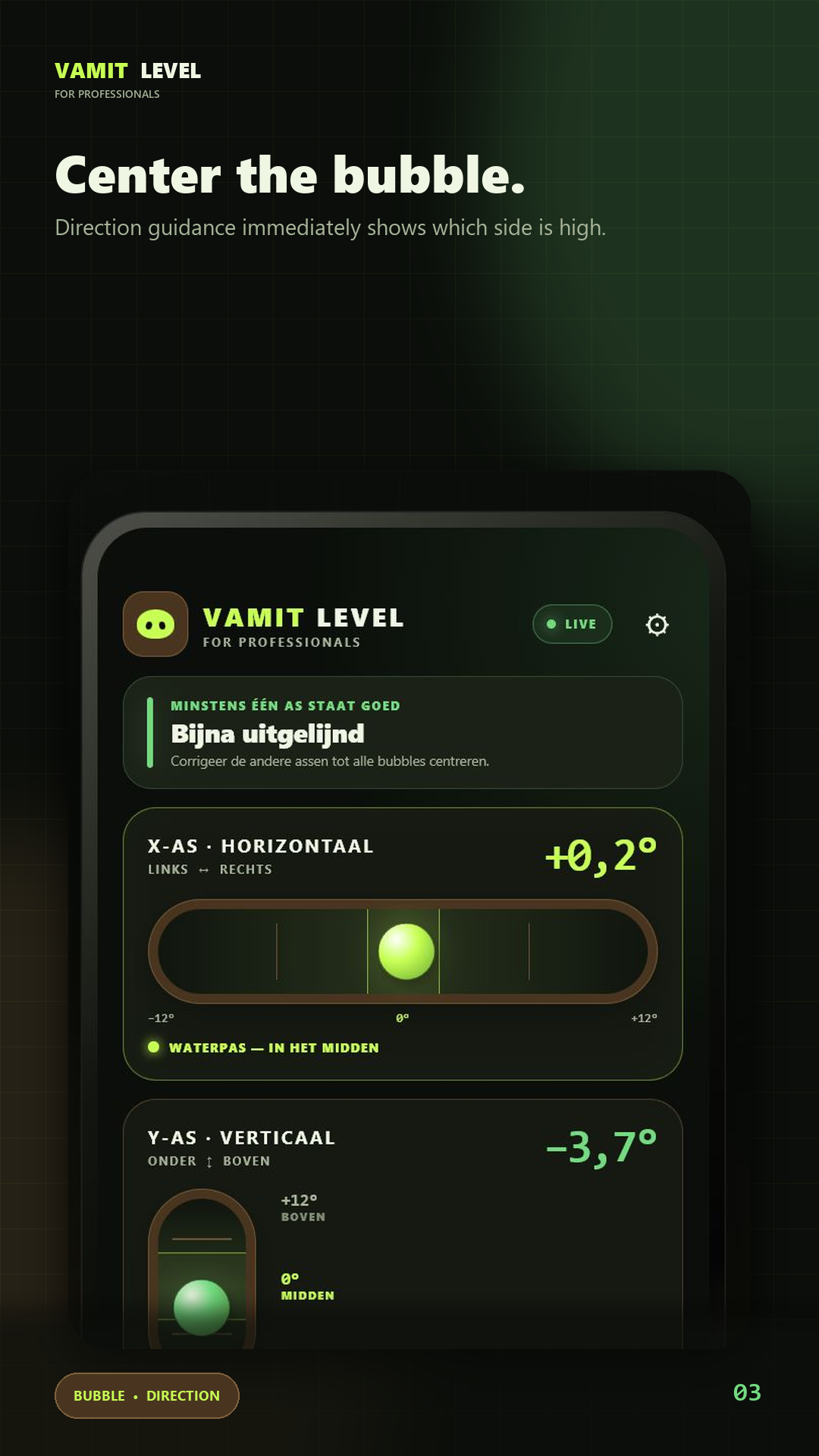
Horizontal, vertical and center bubbles give an intuitive visual reference.
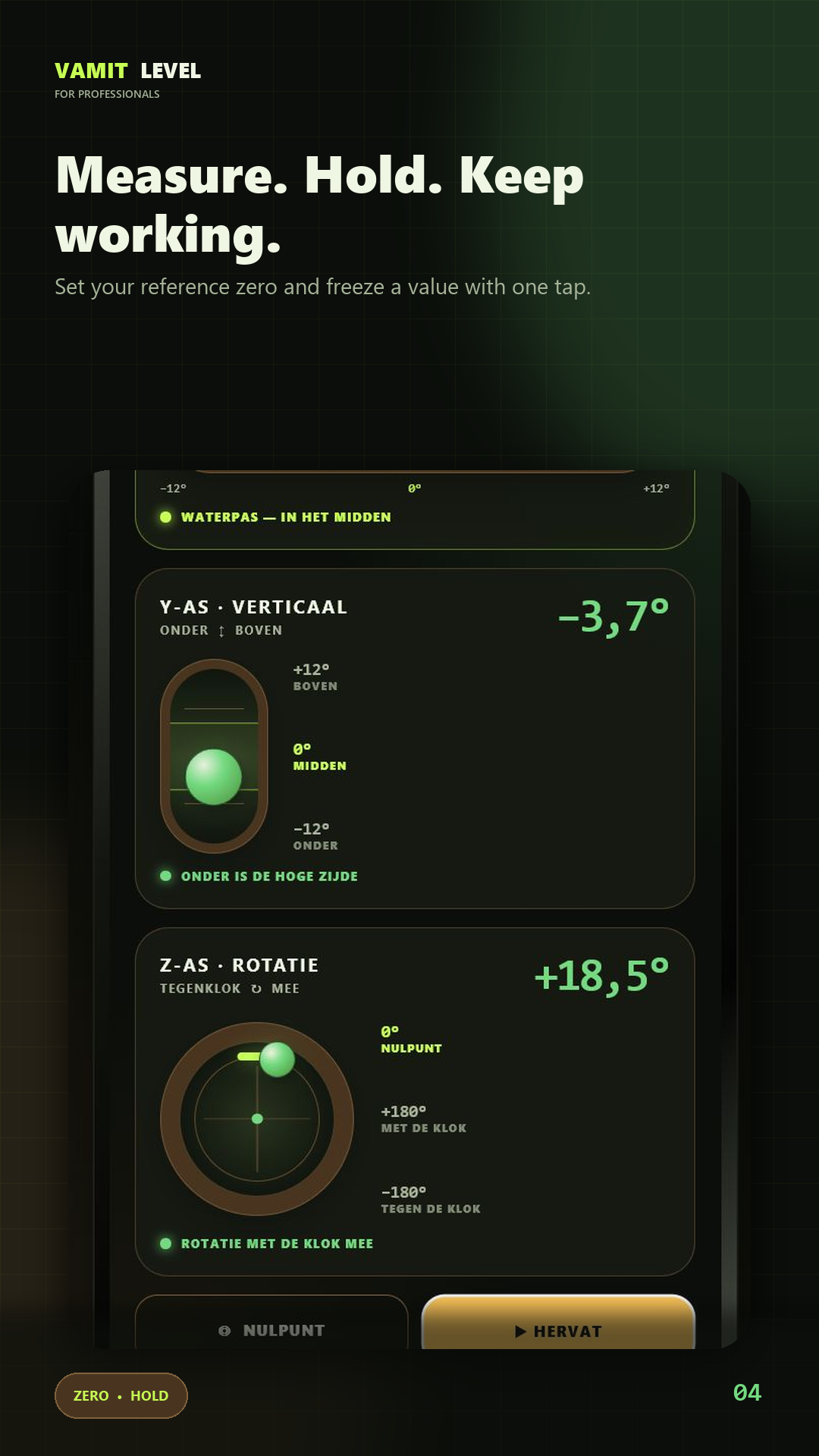
Freeze a reading or set a temporary reference angle for relative work.
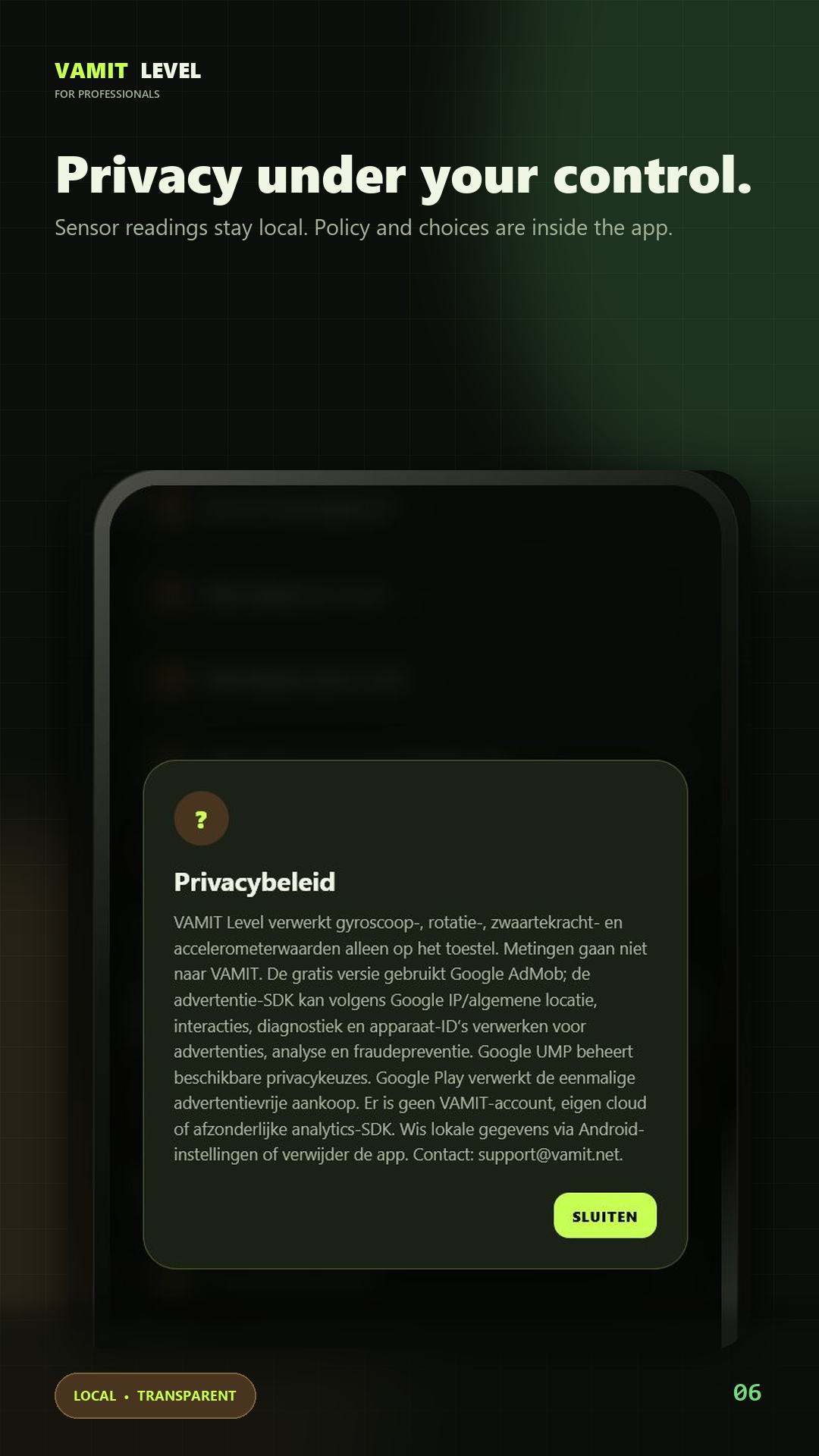
Review advertising privacy and choose the permanent ad-free option.